How to create mass payout via UI
Mass payouts are used to send funds to multiple wallets in one operation. In this article, we will explain how to create a mass payout.
Before creating a mass payout, make sure that your account has enough balance for the total payout amount and network fees. If payout confirmation is enabled for your user, prepare your authenticator app before the final confirmation step.
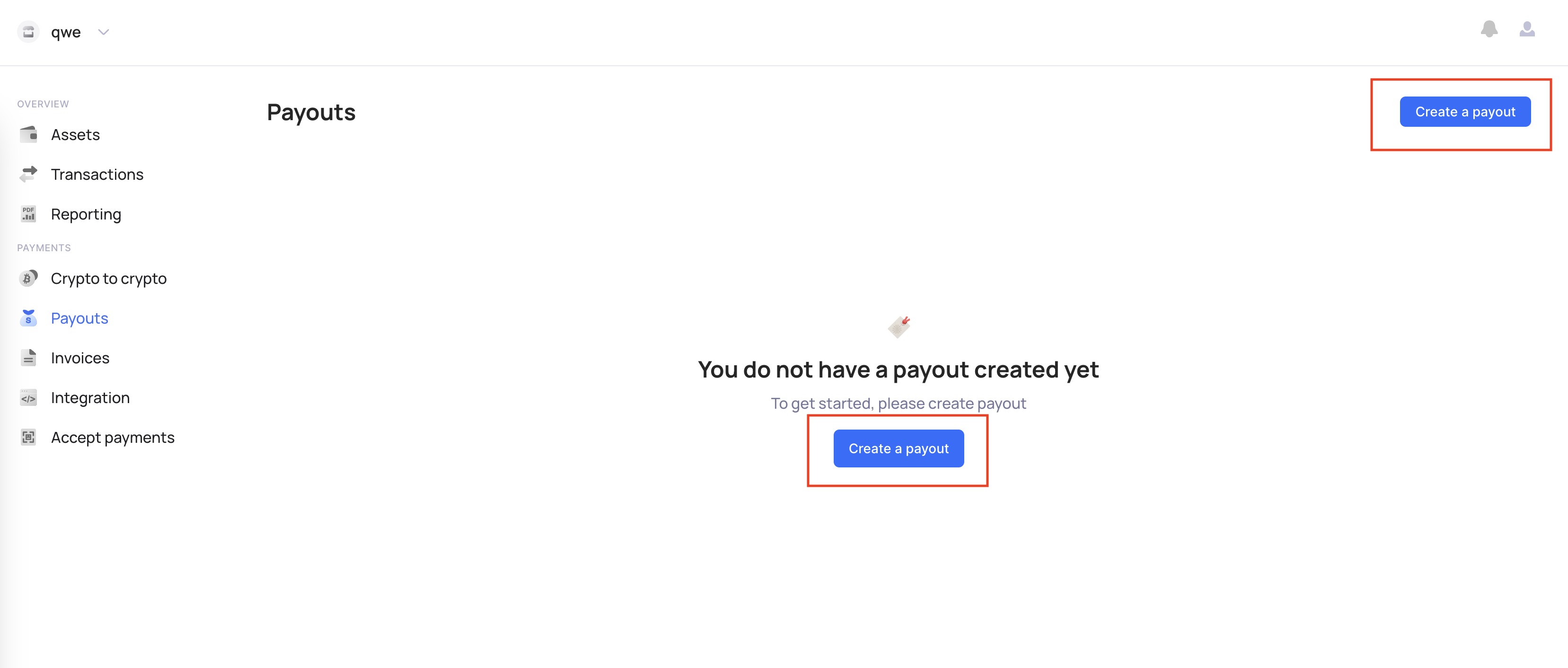
- Go to the "Payouts" tab and click the "Create a payout" button.
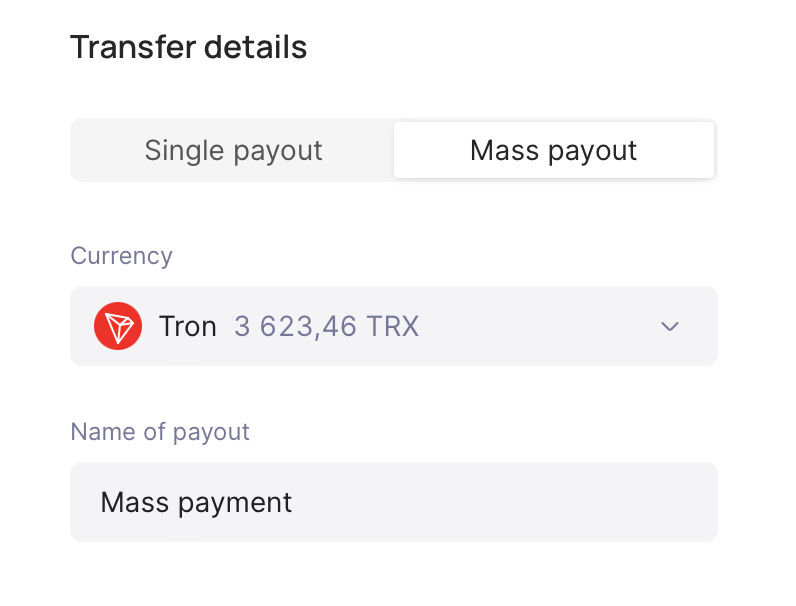
- Select "Mass payout" and specify the currency you want to use.
- Please read about additional limits and restrictions on mass payouts.
- You can’t create more than 100 transactions within one mass payment.
- All transactions must be in the same currency.
- If you want to create less than 5 payouts, use regular payouts, it will be cheaper.
- The speed of transaction execution depends on the blockchain, transactions in the network will be executed sequentially one after another. You can learn more about blockchain.
- Prepare your CSV file according to the required format.
- Upload your CSV file.
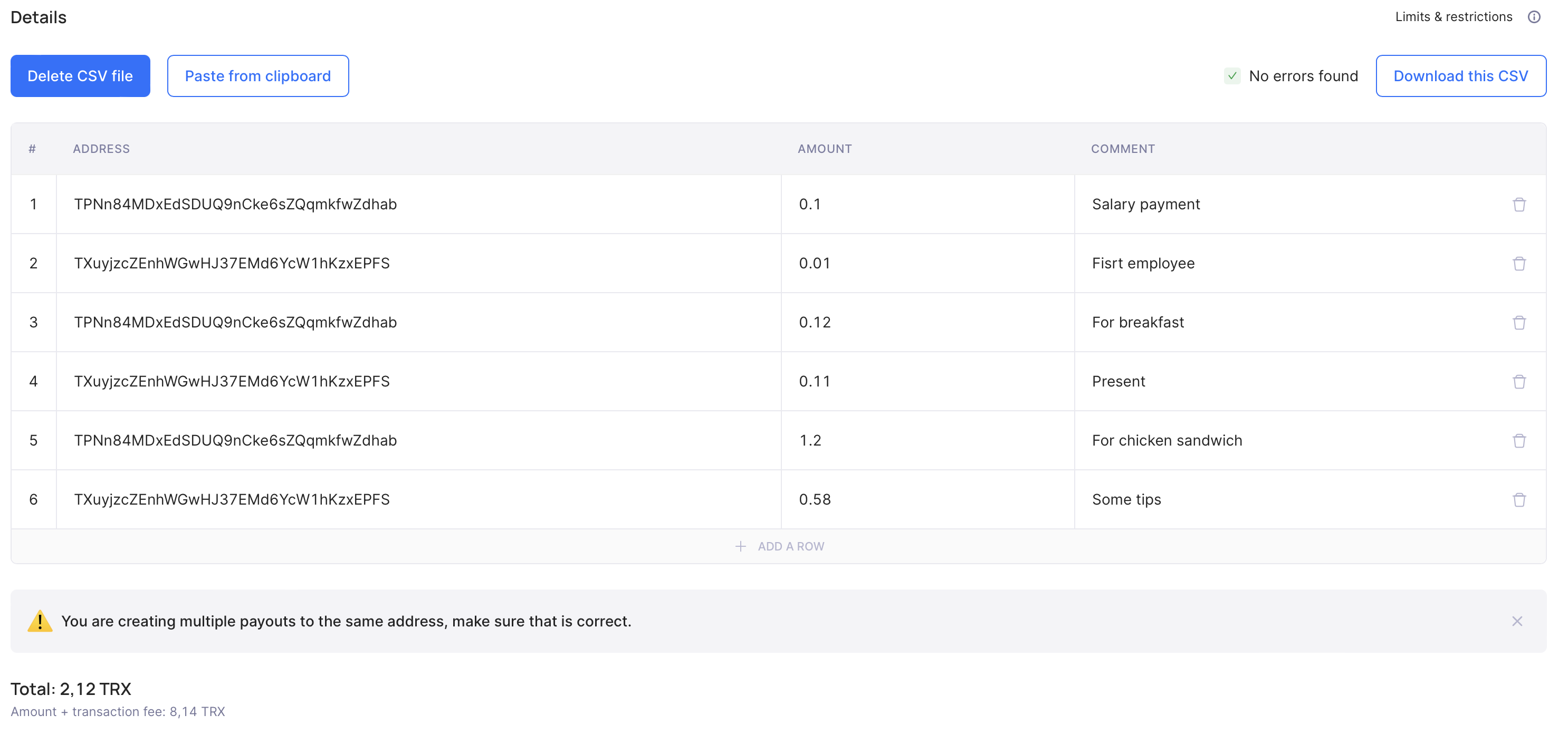
- Check the provided information, total payment amount, and fees. If validation is not successful, fix the errors and upload the correct CSV file.
-
Review the mass payout details before creating the payout. Check the currency, number of transactions, total amount, total fee, and uploaded file details.
-
If 2FA payout confirmation is enabled for your user, Calypso Pay opens the
Confirm with 2FAmodal after you click the final create button. Enter the one-time code from your authenticator app and clickContinue.
If the code is invalid, the modal stays open and shows an error. The mass payout is not created, and you can enter a new code and try again. If you close the modal, you return to the summary step with the uploaded payout details preserved.
2FA confirmation protects the current user's sensitive action. It is different from payout approval by another company user. If your account also uses payout approvals, the mass payout may still require approval from another team member after the 2FA step.
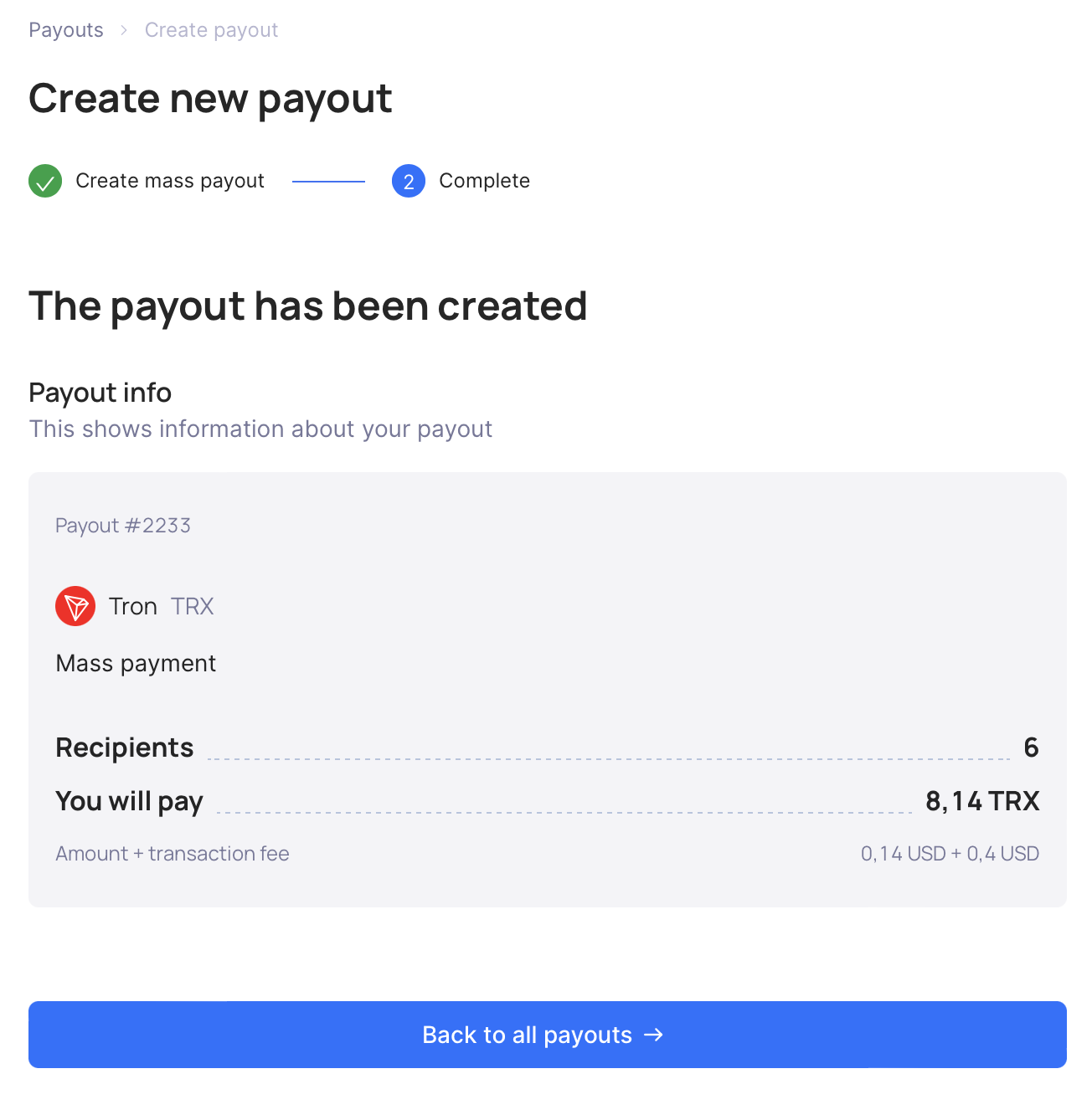
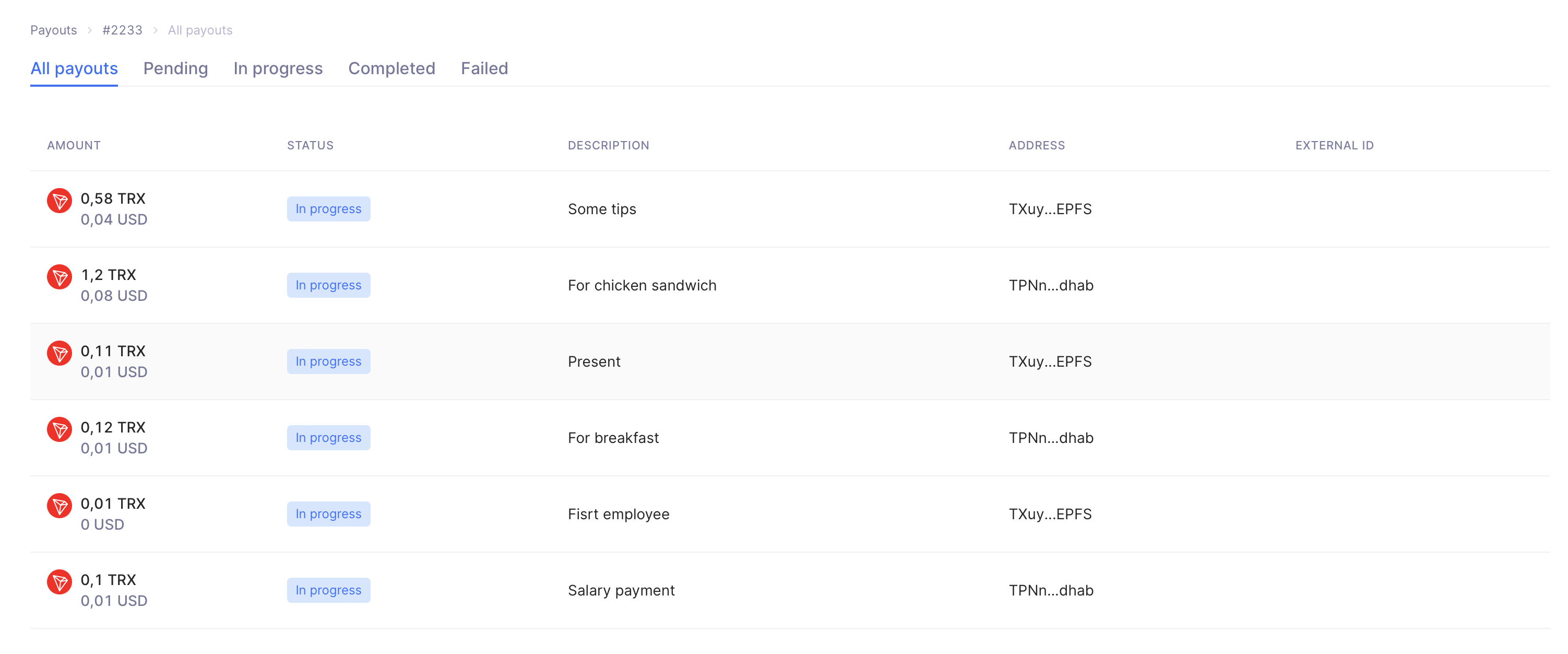
- Your payout has been created and now you can check the state of its transactions.