How to get reports
You can generate detailed transaction reports in Calypso Pay.
In the left-side menu, choose Reporting. You will see the list of available report types.
After selecting the report type, choose the date range, timezone, and currencies that should be included in the report:
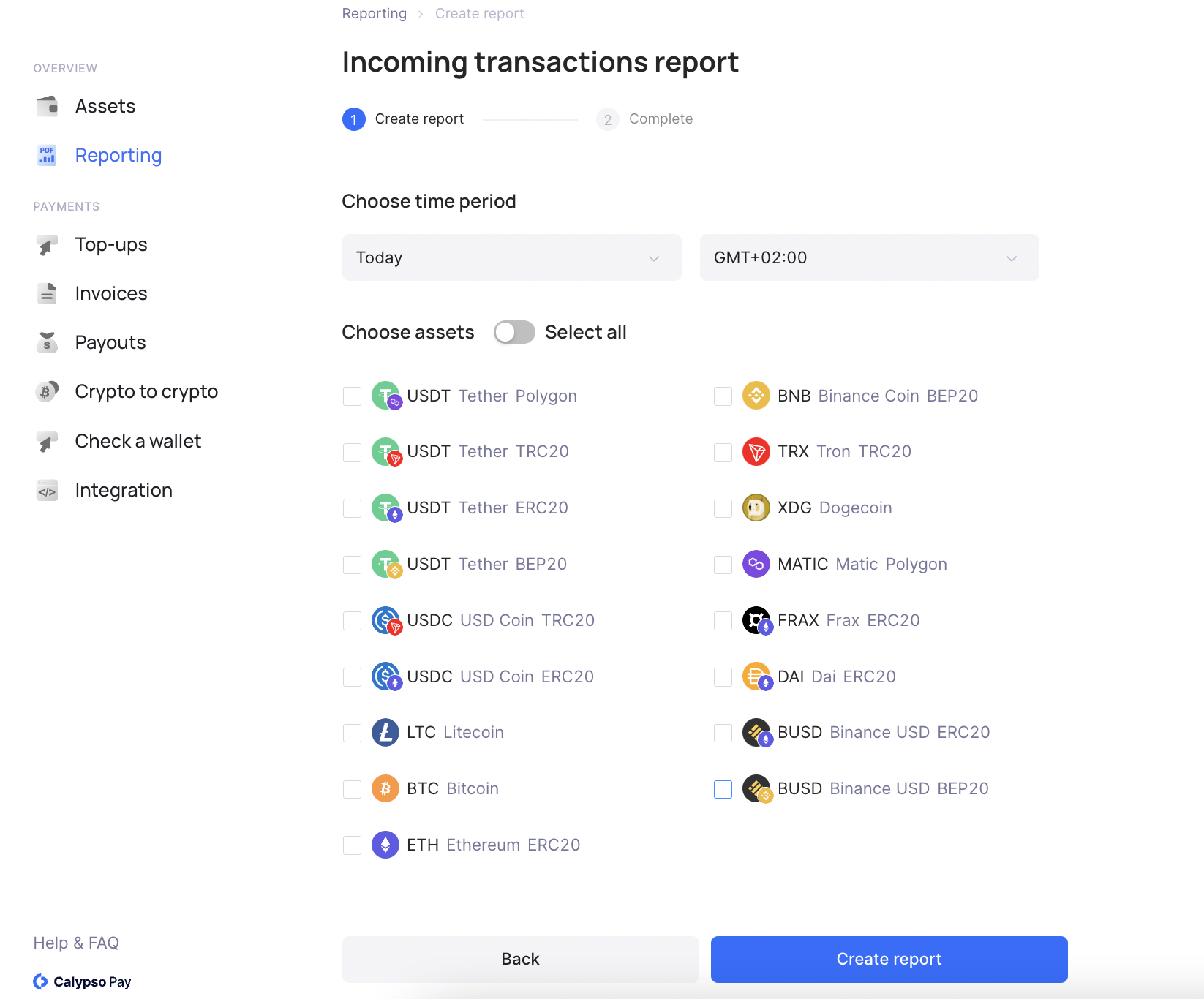
Click Create report, then choose the preferred file format: .csv or .xlsx.
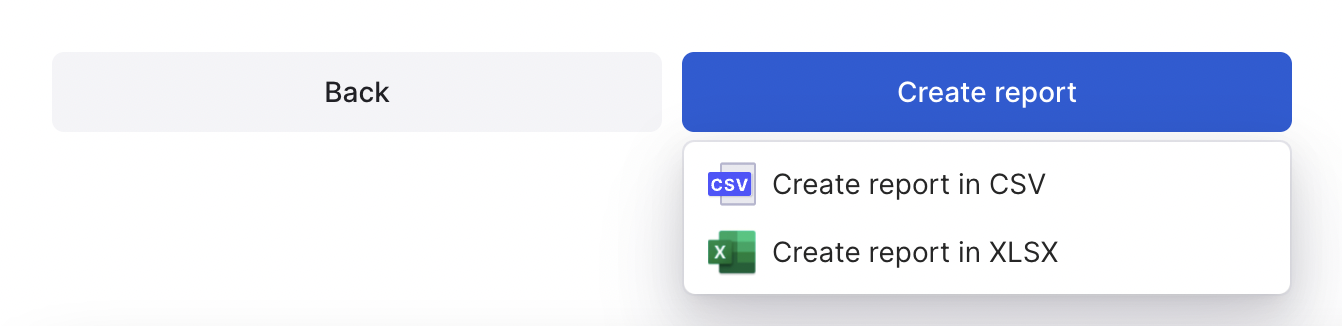
After you select the format, the report will be downloaded automatically.
Reports are available for generation at any time; there is no daily reporting window. Each file is generated from the data available in Calypso when you click Create report. Previously downloaded files are not updated when a transaction changes status, and Calypso does not keep a history of generated reports.
A recent transaction is included after it has been processed and saved in Calypso and if it matches the selected period, timezone, account, asset, report type, and subtype. There is no guaranteed fixed delay between a payment occurring and appearing in a report. If a recent transaction is missing, check that its details are available in Calypso and generate the report again.
Status handling depends on the report type. Lifecycle reports can include operations in intermediate, successful, failed, or canceled states, while accounting and balance reports contain balance movements or balance snapshots and do not have a status column. Where available, the status field shows the operation status at the time of generation. Requests rejected before an operation is created, such as requests that fail validation, are not included as transactions.
For field descriptions, see Reports.